
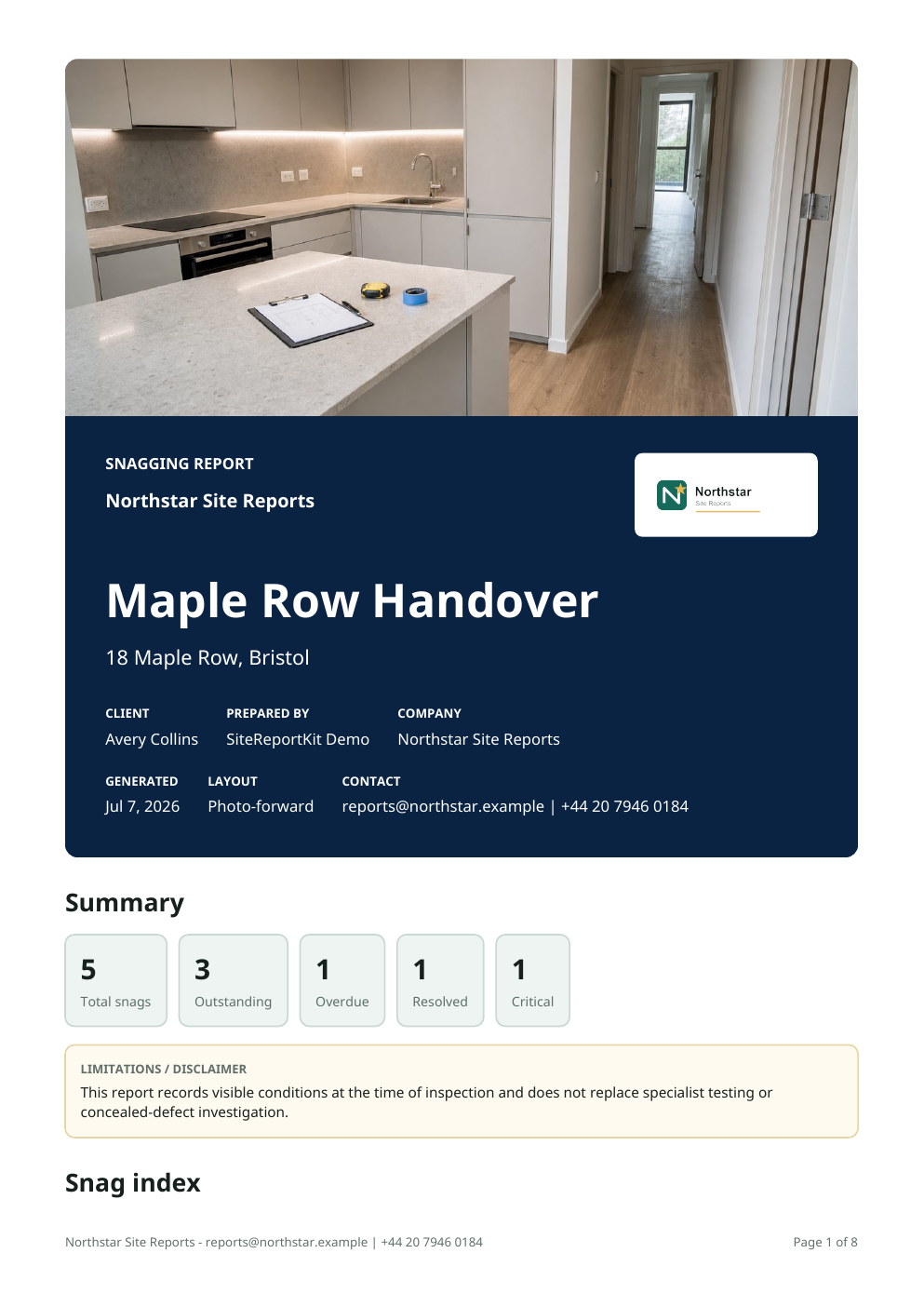
The operational problem
SiteReportKit supports the record and presentation while the user remains responsible for competence, scope, contractual notices, privacy, and any applicable project requirements.
“Snagging” can describe anything from an internal contractor check to a purchaser’s inspection. The report should state its scope and author clearly rather than implying a legal or professional status it does not have.
Who this is for: UK residential inspectors, developers, client representatives, contractors, fit-out teams, managing agents, and purchasers documenting handover observations.
What a reliable field record needs
Every item should be understandable without relying on the inspector’s memory. Keep the description factual, make the location findable, show enough photographic context, and write the required action as an outcome that can be checked. Responsibility and due dates make the register actionable; status and closeout evidence make it traceable.
| Stage | Useful output |
|---|---|
| Capture | Area, trade, owner, priority, status, date, notes, and photographs stay attached to one item. |
| Handoff | Generate a full report, a focused action list, or a CSV register from the project record. |
| Follow-up | Retain the original condition, add resolution notes and after evidence, and issue a closeout record. |
A three-stage workflow
Prepare
Define the inspection scope and property details.
Capture and review
Capture room-by-room observations with evidence, trade, priority, and required action.
Issue and close
Export the A4 handover report, issue trade lists, and record accepted rectification.
Field and report checklist
Adapt the checklist to your role, contract, jurisdiction, records policy, and the technical scope of the visit. SiteReportKit organises information; it does not confer inspection authority or make professional judgments for the user.
- A4 report presentation
- Room and trade structure
- Snag description and action
- Photo annotation
- Outstanding-works list
- Rectification evidence
Report quality checks before issue
- Confirm the title, author, date, site, client, scope, and intended recipient.
- Check that item references are unique and locations use one consistent hierarchy.
- Remove duplicates and split conditions that require different owners or closeout decisions.
- Verify captions, annotations, names, dates, status, and required actions against the field record.
- Open the exported PDF, XLSX, or CSV, inspect image legibility, page breaks, filters, and counts, then store the issued version under the project’s records process.